Category: Code
-
Solving Visual Studio Problems with non-UTF-8 Encoding
This post relates to Visual Studio not Visual Studio Code . Default Encoding Problem: In different regions, Visual Studio’s default encoding may be set to the local regional encoding, not UTF-8. For example: Microsoft Visual C++ (MSVC) on Korean Windows defaults to reading and writing source files as CP949. This means that files containing non-English…
-
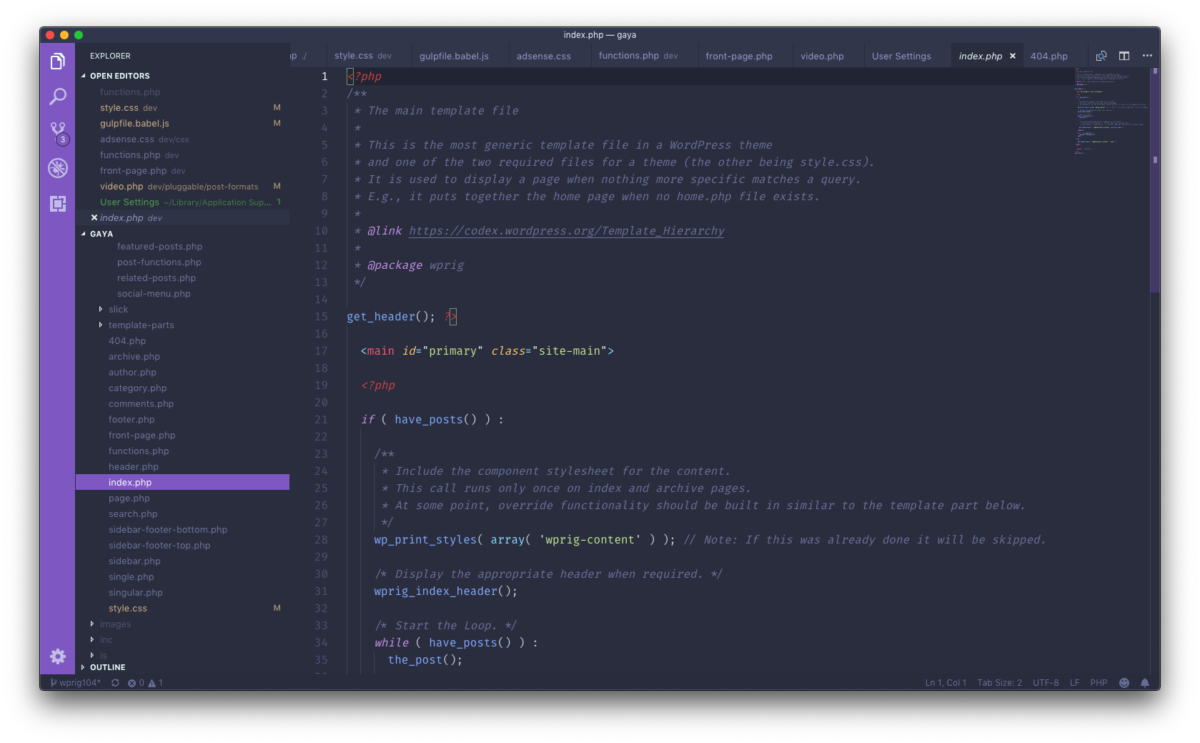
Personalize VS Code
I’ve really been enjoying VS Code for development these days. Here are some of the things I’ve done to customize my new favorite code editor.
-
Move WordPress media uploads to a subdomain
I recently decided to move my WordPress media uploads to a subdomain to improve site speed and help keep things organized for better backups. These are the things I did and issues I ran into along the way.
-
Welcome to WP-CLI!
I have limited experience with wp-cli but I know it’s a really quick and convenient way to manage WordPress installations. And recently I’ve been using ssh to to manage my sites more often, so I thought it would be a good time to investigate it more deeply.
-
WP Migrate DB Manually : Multisites & Single Sites
Recently, I needed to migrate a WordPress site from a Multisite installation to a Single Site .com. I usually use the WP Migrate DB plugin because it works well for my basic needs, but going through the Multisite -> Single Site transition very manually, sure made me see the value in the Pro version of…
-
HTML Aside: Finding and Using Internet Images
There are TWO primary concerns when searching for images on the Internet to use on a webpage: WHERE will I find good images? What about image COPYRIGHT? This article covers the basics of both topics – but let’s begin with COPYRIGHT. Copyright There are TWO basic forms of copyright to be aware of: Implicit /…
-
Default WordPress Theme Customizer Controls
I’ve recently been messing around with the WP Theme Customizer a bunch and have been looking for the names of all the default settings, sections, and controls. I found them in a file in the wp-includes folder: /wp-includes/class-wp-customize-manager.php The various default section names, setting names, and ‘priority’ are listed below.This is mostly useful if you’re…